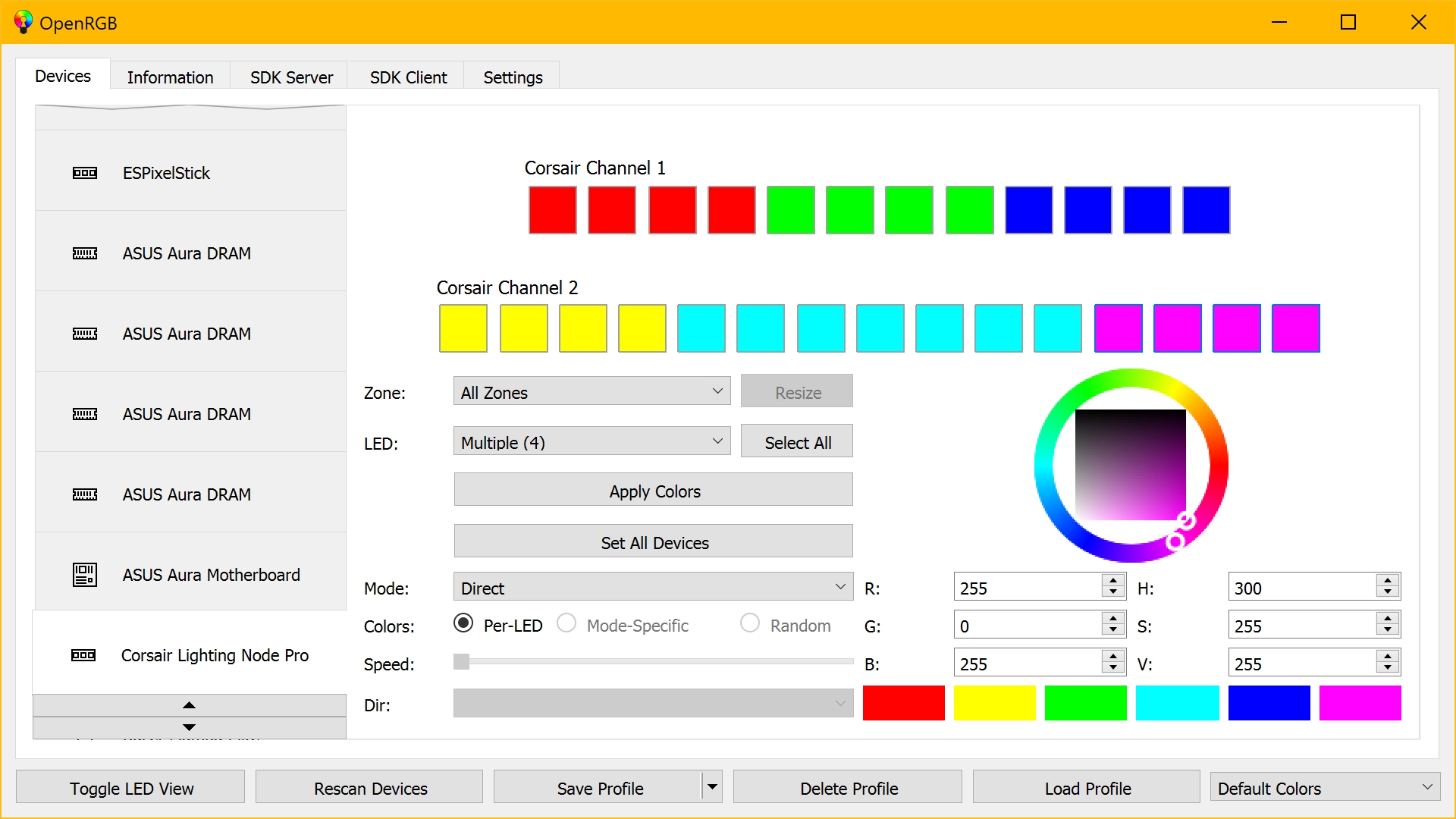
Fan Control
Description:
A free and open source fancontrol application that has mix functionality. You combine any type of fan curves together and apply a function like maximum or average to create a whole new control logic.
Operating System
- Windows
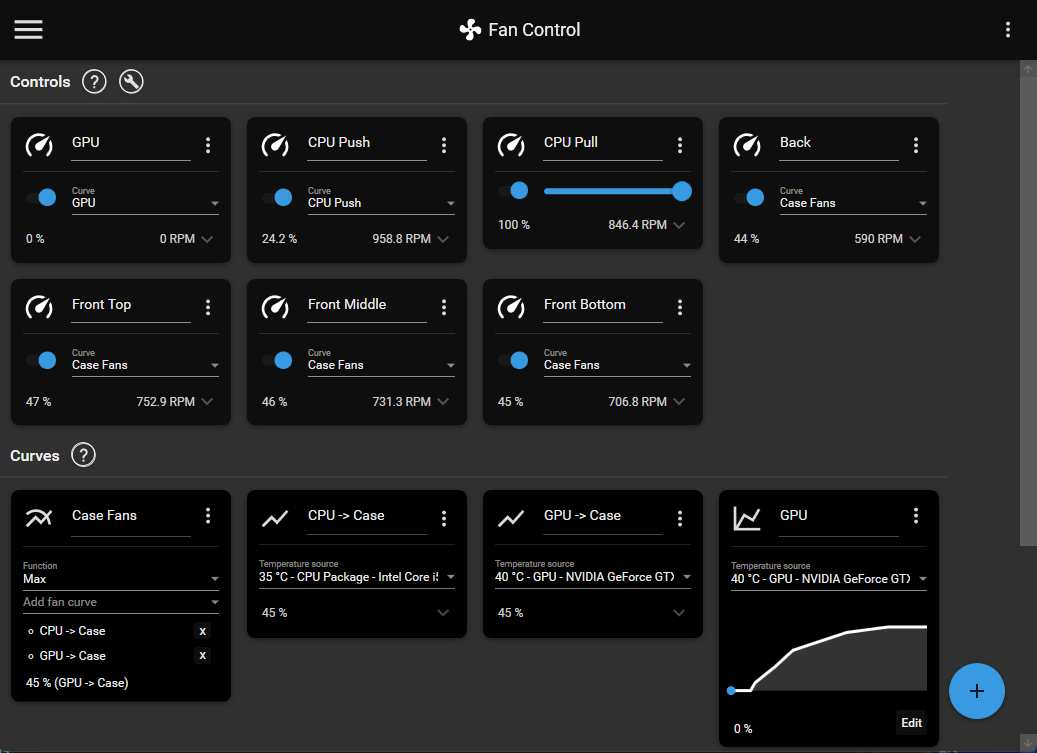
MSI Afterburner
Description:
MSI Afterburner is the most used graphics card software for a good reason. It‘s reliable, works on any card (even non-MSI!), gives you complete control, lets you monitor your hardware in real-time and best of all: it’s completely free! MSI Afterburner is available completely free of charge and can be used with graphics cards from all brands.
Operating System
- Windows
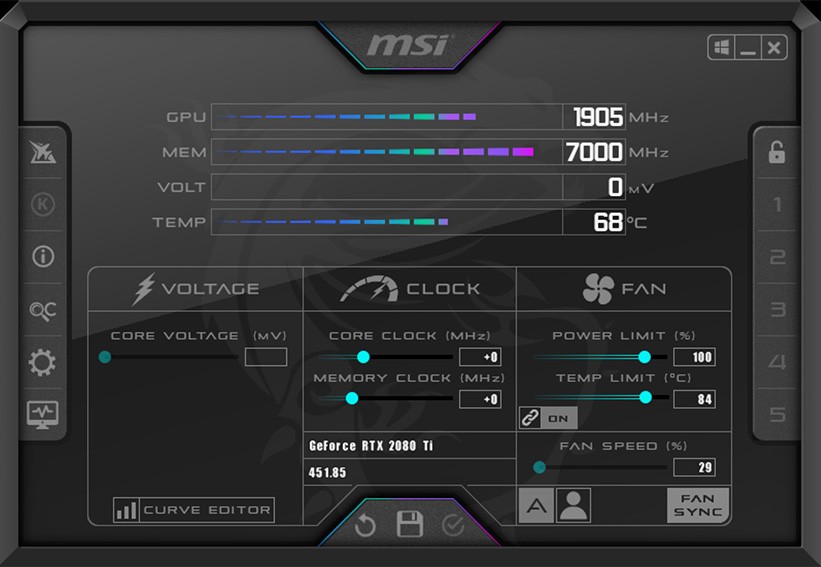
OpenRGB
Description:
One of the biggest complaints about RGB is the software ecosystem surrounding it. Every manufacturer has their own app, their own brand, their own style. If you want to mix and match devices, you end up with a ton of conflicting, functionally identical apps competing for your background resources. On top of that, these apps are proprietary and Windows-only. Some even require online accounts. What if there was a way to control all of your RGB devices from a single app, on both Windows and Linux, without any nonsense? That is what OpenRGB sets out to achieve. One app to rule them all.
Operating System
- Windows
- Linux
- MacOS